GUI & Visuals
-
The UI should be clear, modern, highlight the message you want to communicate.
-
Interface ingame and Game UI Database have a lot of great examples.
UI
Main Menu:
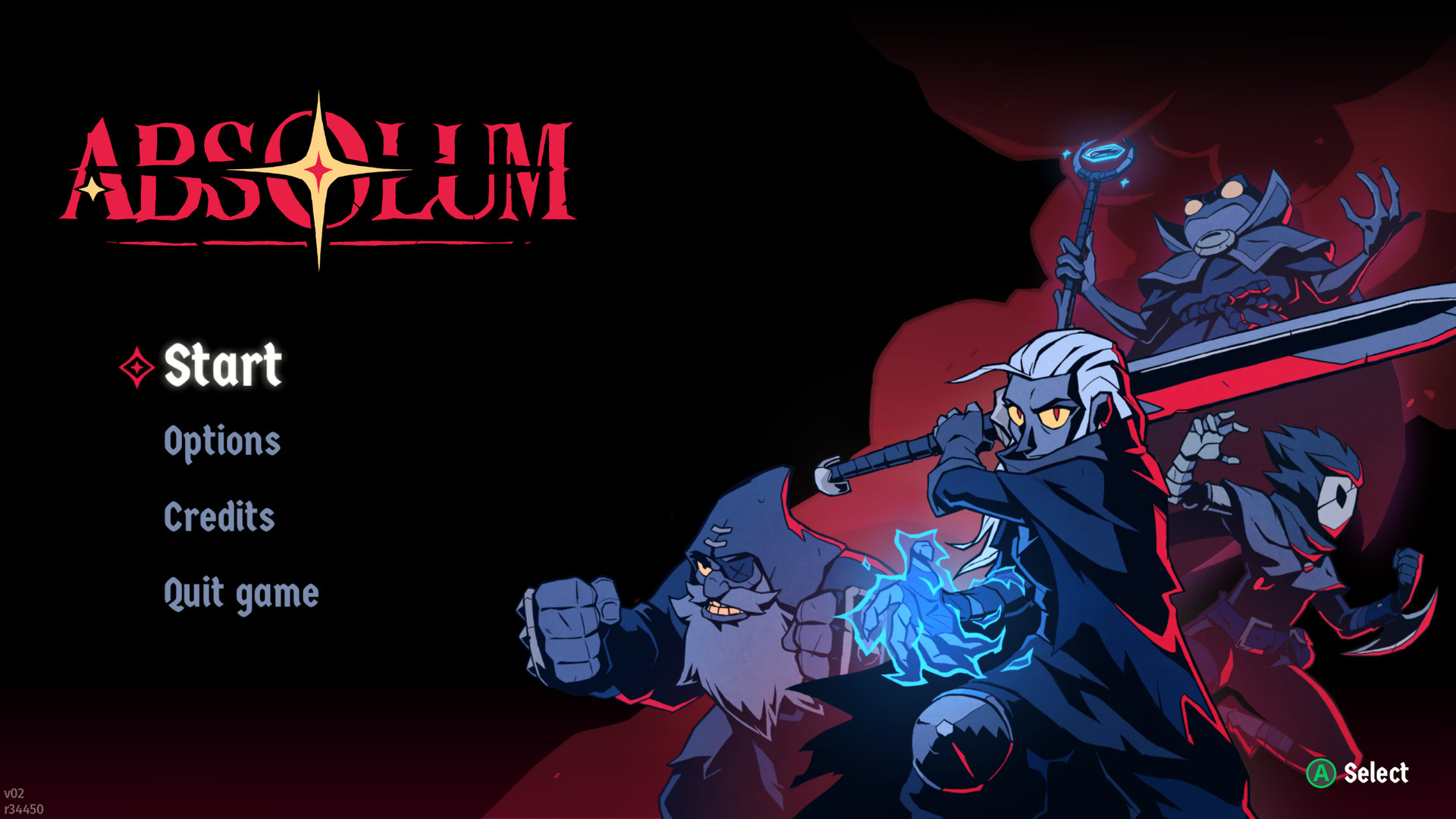
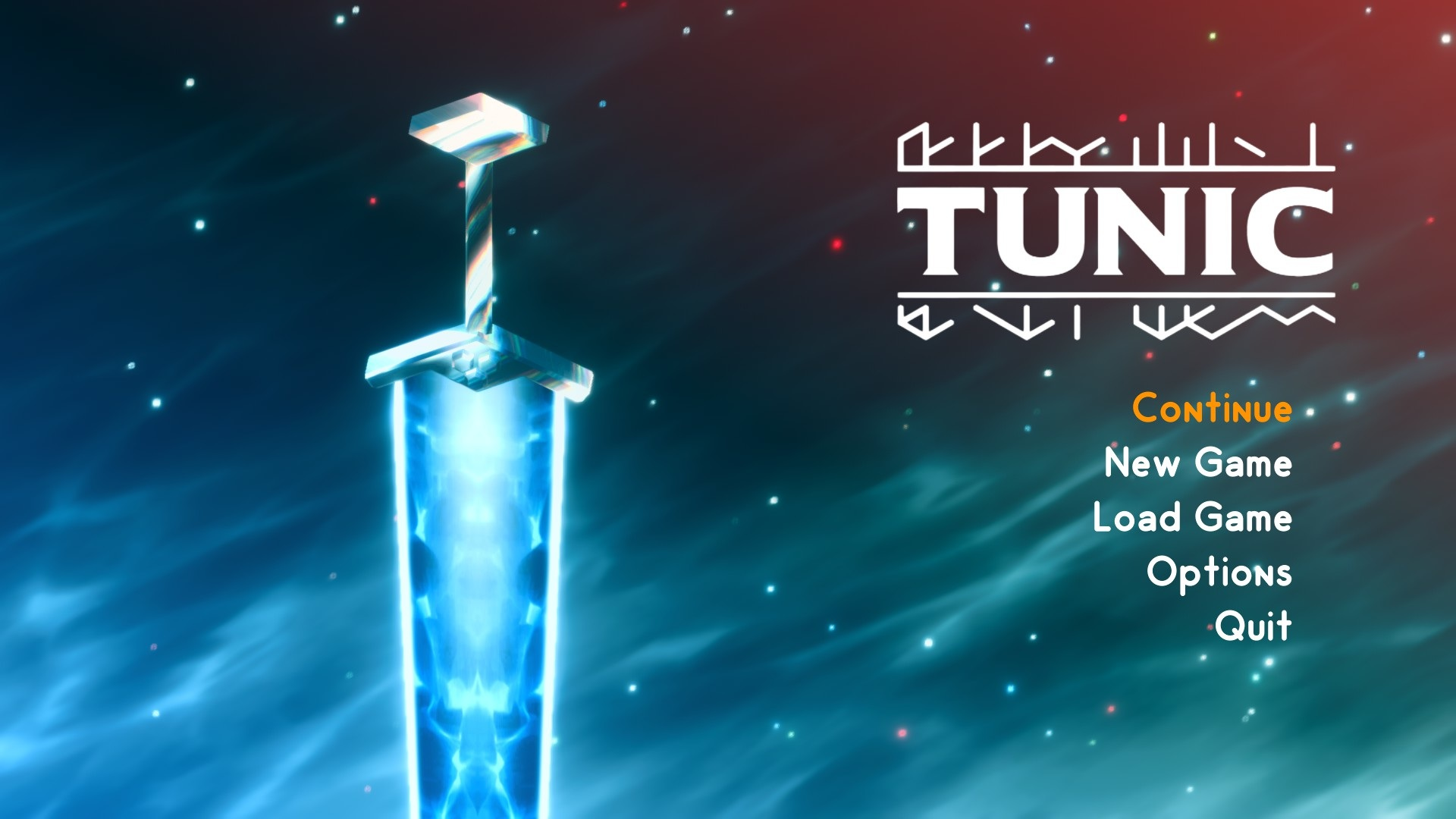
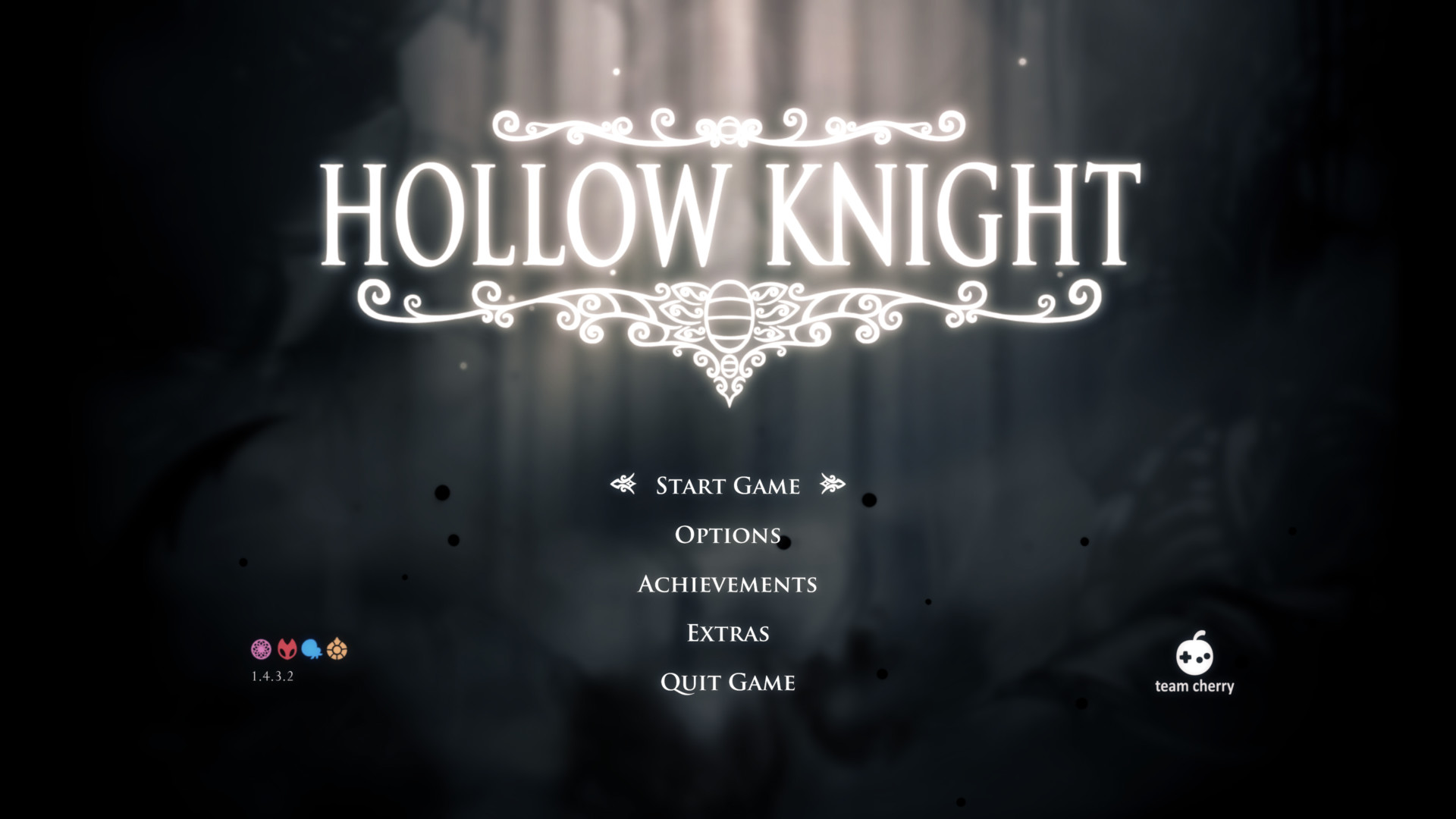
- Stylized, faded background image giving focus to game's name and options, optionally with an art that participates in the menu.
Settings
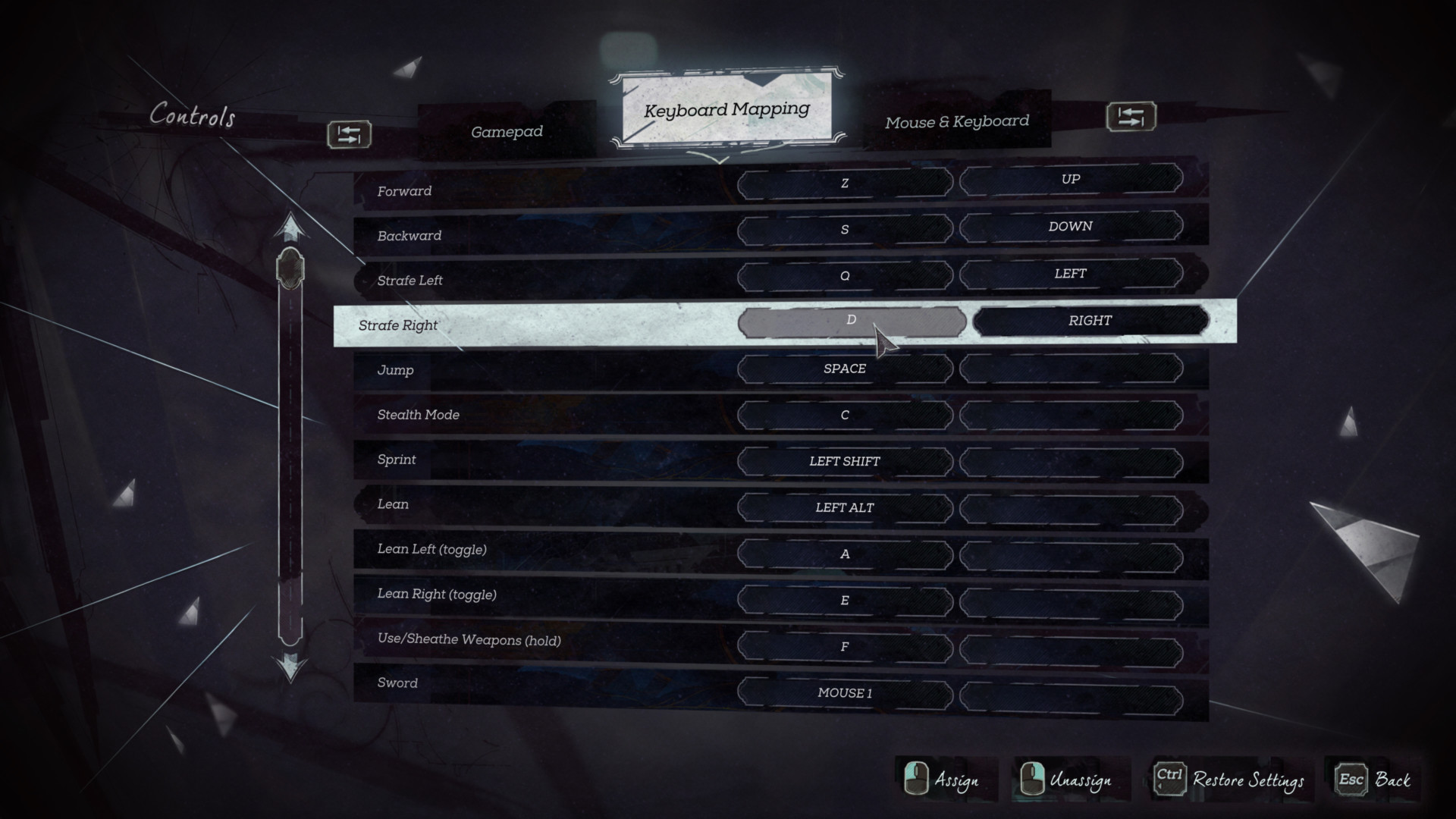
- Current tab/submenu and focused setting must be extremely clear.
New area / Level
- Fade effect (tween), big title text, highlight name with a secondary smaller subtitle with description (difficulty, details, level number)
Tutorial
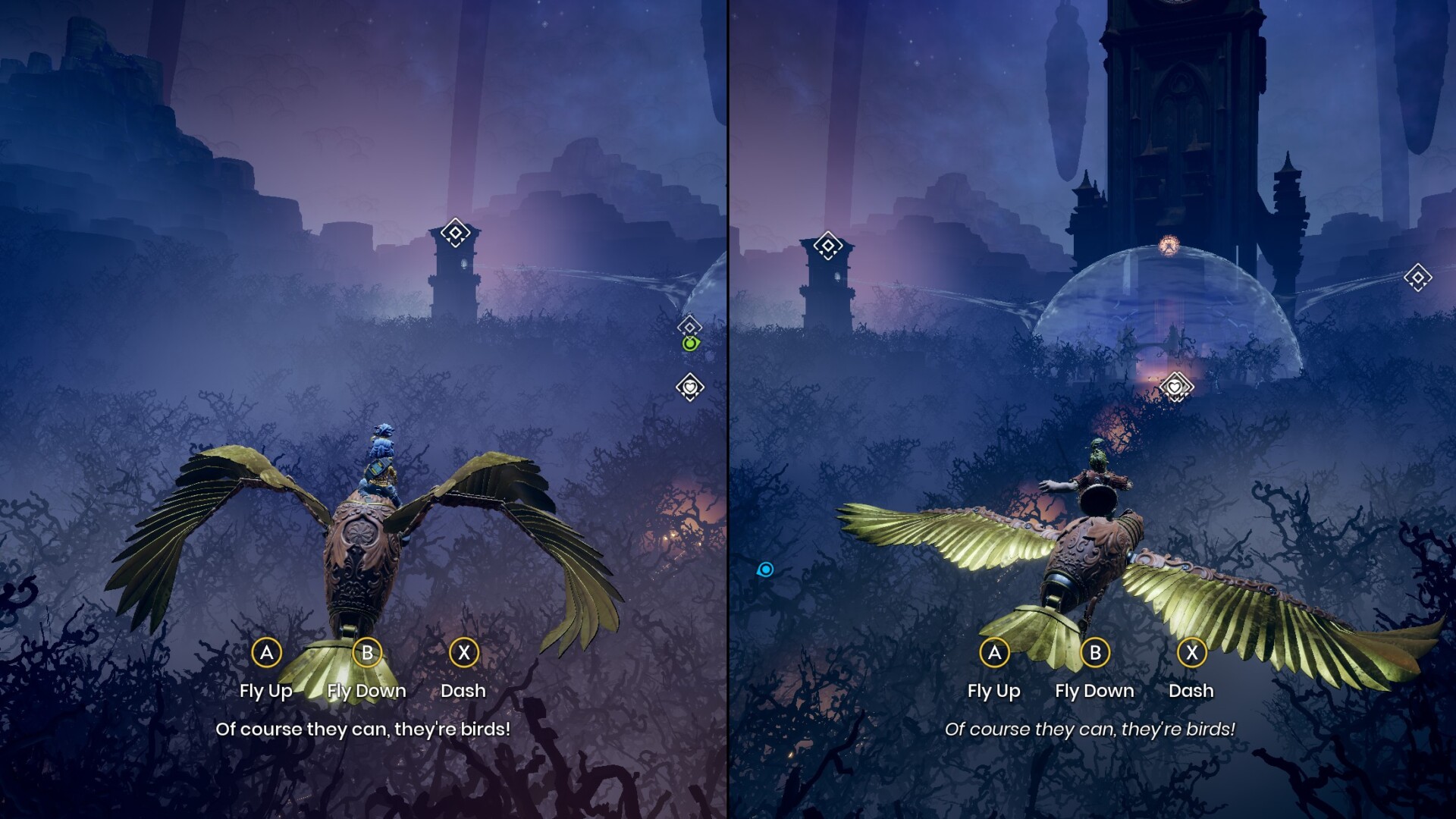
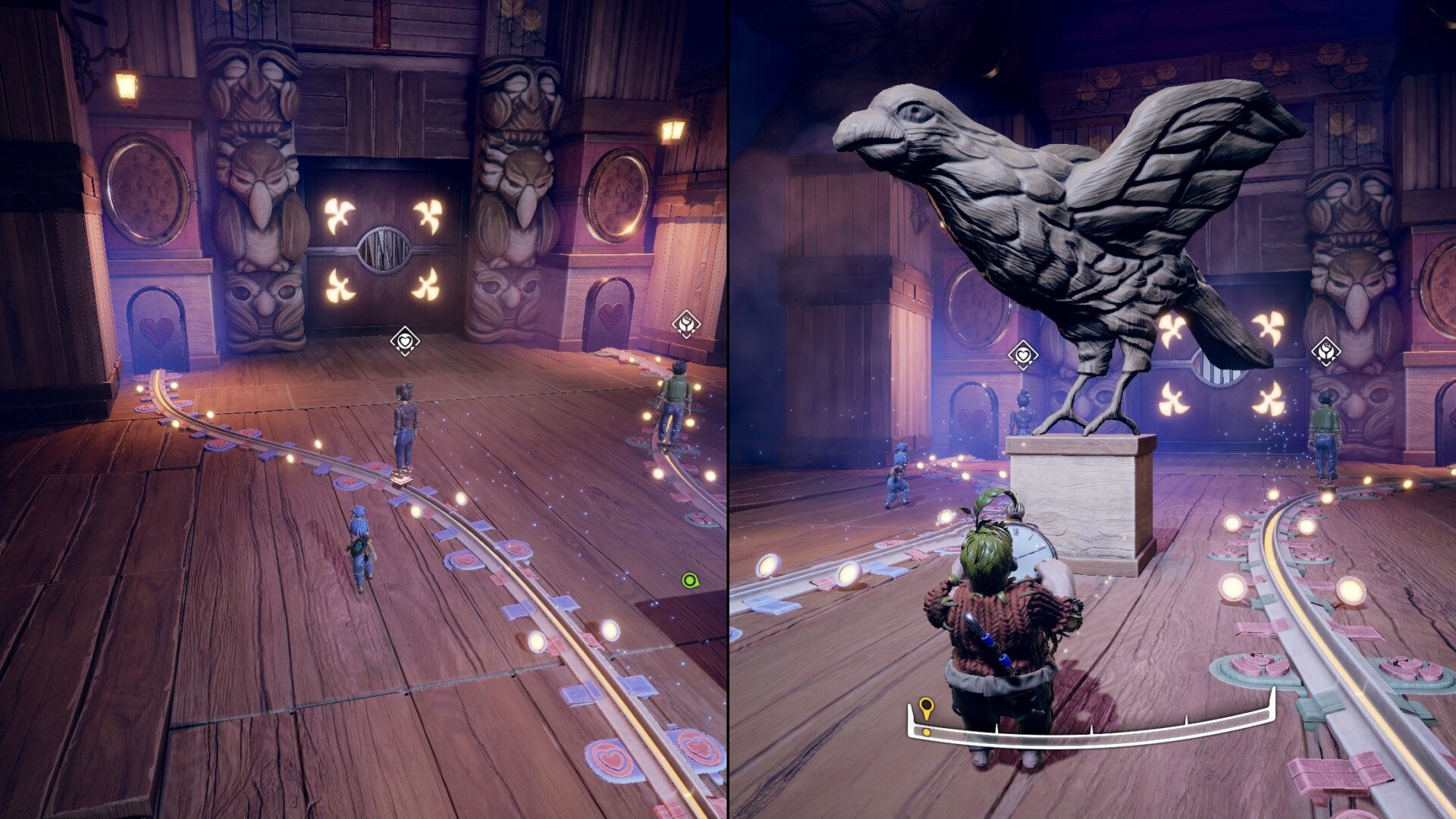
- Prefer in game overlays instead of popups or specific screens. Aim to 'insert' them, make them feel as part of the game to avoid breaking immersion.
Achievements
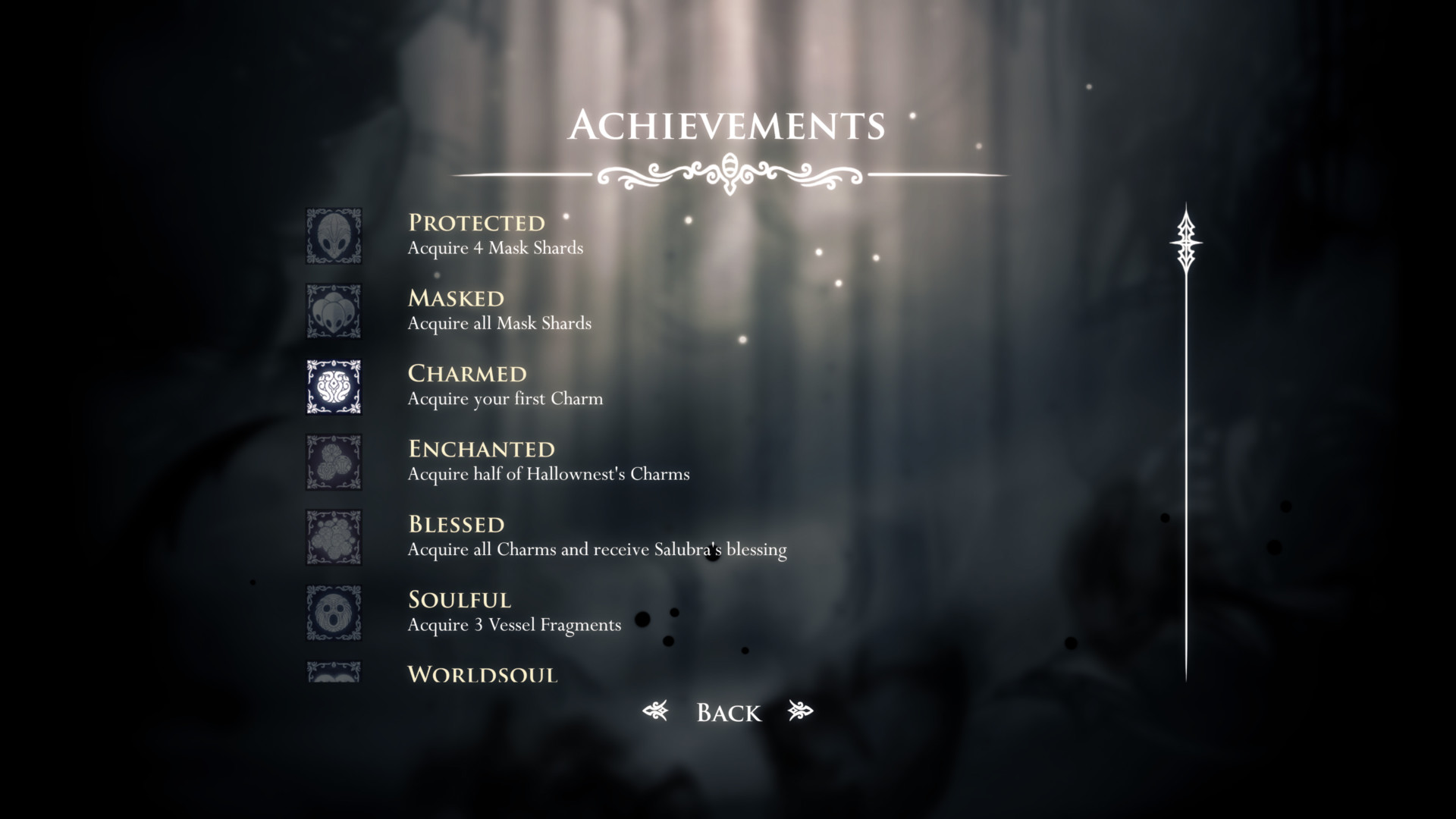
- Can be very simple, either 'enabled' or 'disabled' squared icon with a short description. Bonus for secret achievements.
Combat:
Death:
- Should attract attention, everything at the same time, health bar shatter, disintegrating player animation, hit stop (Global slow motion)